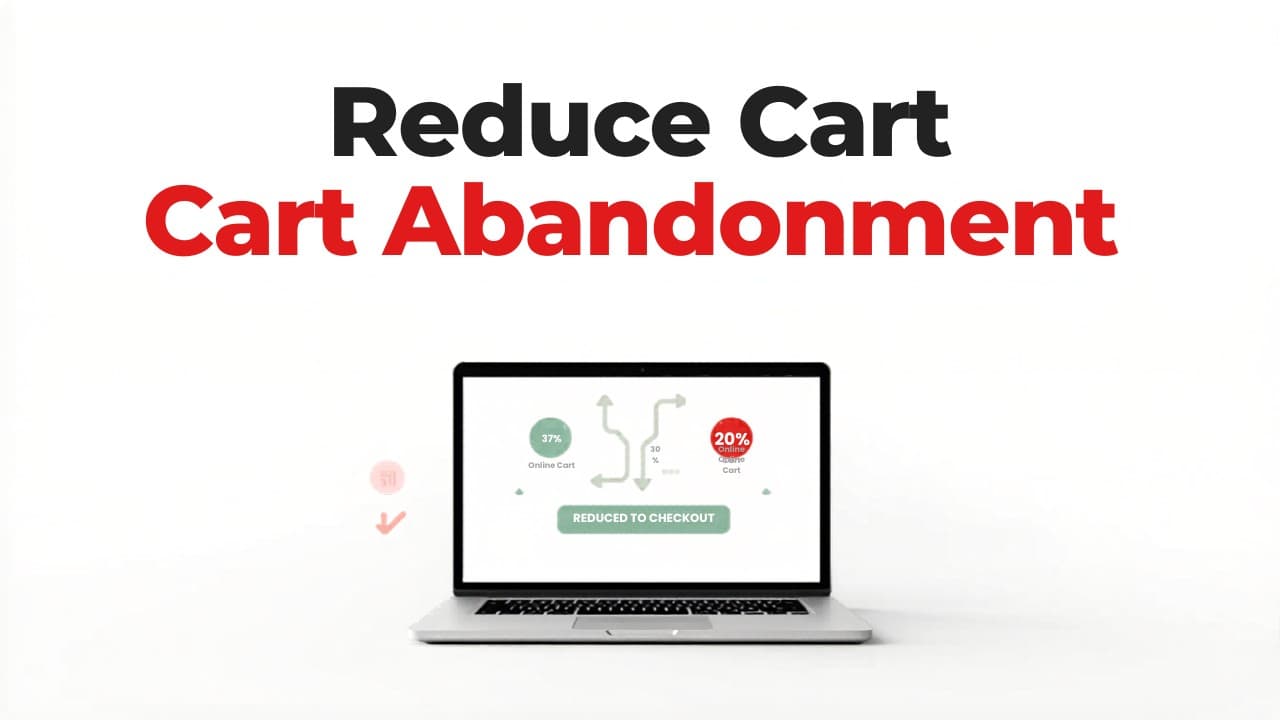
Nearly seven out of every ten shoppers who add items to their cart will leave your store without completing the purchase. That statistic, consistently reported across major ecommerce research, represents an enormous amount of lost revenue — revenue that was almost yours.
Cart abandonment is not an inevitable cost of doing business. Most of the reasons shoppers abandon carts are fixable, and many of the fixes are straightforward. This guide covers the most effective strategies to reduce cart abandonment in your ecommerce store, organised by the areas that typically deliver the biggest impact first.
70%
70% of shoppers who add items to a cart leave without buying. That's not a traffic problem — it's a friction problem. And friction is something you can fix.
Understand Why Shoppers Abandon Carts
Before you start optimizing, you need to understand what's driving abandonment on your specific store. Industry benchmarks are useful, but your customers may have different friction points than the average.
The most commonly cited reasons for cart abandonment include:
- Unexpected costs (shipping, taxes, fees) revealed late in checkout
- Mandatory account creation before purchase
- A checkout process that feels too long or confusing
- Concerns about payment security
- Slow website performance and page load times
- Restrictive return policies
- Limited payment options
- Comparison shopping — the customer was never ready to buy
Some of these reasons are behavioural (comparison shopping will always happen), but most are experience problems you can fix. Start by reviewing your analytics to identify where exactly in the checkout flow shoppers are dropping off. Tools like Google Analytics funnel visualization, heatmaps, and session recordings will give you specific data to work with.
If you're unsure where your store's biggest friction points are, running a free website audit can help surface the technical and UX issues that silently drive shoppers away.
Eliminate Surprise Costs and Simplify Pricing
Unexpected costs are the single most cited reason for cart abandonment. A shopper who sees a product priced at $45, mentally commits to that purchase, and then discovers $12 in shipping and a handling fee at checkout will walk away — and the trust you built on the product page evaporates.
Show Total Costs Early
Never let checkout be the first time a shopper learns the real price.
- Display shipping costs on product pages. If you offer flat-rate shipping, state it prominently. If shipping varies by location, add a shipping calculator or estimator before checkout.
- Include taxes in displayed prices where possible, or clearly note that tax will be added.
- Eliminate hidden fees entirely. If you charge a handling fee, packaging fee, or any other surcharge, either fold it into the product price or make it visible from the start.
Show shipping costs before checkout — always
Use Free Shipping Strategically
Free shipping remains one of the most powerful conversion tools in ecommerce. If your margins allow it, consider these approaches:
- Free shipping above a threshold. Set the threshold slightly above your average order value to encourage larger purchases. Display a progress bar in the cart showing how close the shopper is to qualifying.
- Free shipping on first orders. This reduces the risk for new customers who haven't yet built trust with your brand.
- Flat-rate shipping as a fallback. If free shipping isn't viable, a simple, predictable flat rate is far less jarring than variable costs that shoppers can't anticipate.
Streamline the Checkout Process
Every additional step, field, or decision point in your checkout flow is an opportunity for a shopper to reconsider, get distracted, or give up. The goal is to make completing a purchase feel effortless.
Reduce Form Fields to the Minimum
Audit every field in your checkout form and ask whether it's truly necessary to fulfil the order. Common fields you can often eliminate or simplify:
- Company name — make it optional or remove it for B2C stores
- Phone number — only require it if you actually use it for delivery coordination
- Separate billing and shipping addresses — default to "same as shipping" with an option to change
- Address line 2 — keep it available but don't make it visually prominent
Offer Guest Checkout
Requiring account creation before purchase is one of the fastest ways to lose a sale. Many shoppers, especially first-time visitors, don't want a relationship with your brand yet — they just want the product.
Always offer guest checkout as the default path. You can still invite shoppers to create an account after the purchase is complete, when they're in a positive post-purchase mindset and you can frame it as a benefit ("Create an account to track your order and get 10% off next time").
Implement a Single-Page or Accordion Checkout
Multi-page checkouts that spread information across four or five screens feel longer than they need to. Consider consolidating your checkout into:
- A single scrollable page where shoppers can see all fields at once
- An accordion-style layout that expands sections progressively but keeps everything on one page
- A clear progress indicator if you must use multiple steps, so shoppers know exactly where they are and how many steps remain
Enable Autofill and Smart Defaults
Modern browsers and mobile operating systems can auto-populate names, addresses, email addresses, and payment details. Make sure your form fields are properly labelled with standard HTML attributes so autofill works correctly. This alone can cut checkout time dramatically, especially on mobile.
Build Trust at the Point of Purchase
The checkout page is where shoppers are most vulnerable — they're about to hand over payment information and personal details. Any doubt about your store's legitimacy or security will stop them.
Display Security Signals Prominently
- SSL certificate indicators — ensure your entire site (not just checkout) runs on HTTPS
- Payment provider logos — Visa, Mastercard, PayPal, Apple Pay, and other recognisable brands signal safety
- Trust badges — security seals, money-back guarantee badges, and industry certifications belong near the payment form, not buried in the footer
- Clear contact information — a visible phone number, email address, or live chat option reassures shoppers that there's a real business behind the store
Showcase Your Return Policy
A generous, clearly stated return policy reduces purchase anxiety. Don't hide it in a footer link — summarize it directly on the cart page and at checkout.
Effective return policy placement includes:
- A one-line summary near the "Complete Purchase" button (e.g., "Free returns within 30 days, no questions asked")
- A link to the full policy for shoppers who want details
- Product-specific return information on items where fit or compatibility is a concern
Add Social Proof Near Checkout
Star ratings, review counts, or a simple "Trusted by 15,000+ customers" statement near the checkout area can provide the final push a hesitant shopper needs. If you have notable press mentions or industry awards, a small logo strip can reinforce credibility without cluttering the page.
Optimise for Mobile Shoppers
Mobile commerce accounts for a growing majority of ecommerce traffic, yet mobile cart abandonment rates are consistently higher than desktop. The culprit is almost always a checkout experience that wasn't designed for thumbs and small screens.
Prioritise Tap-Friendly Design
- Make buttons large and easy to tap. The primary call-to-action button should be at least 48px tall and span the full width of the mobile screen.
- Space form fields generously. Cramped fields lead to mis-taps and frustration.
- Use appropriate keyboard types. Show a numeric keypad for phone number and credit card fields, an email-optimised keyboard for email fields.
Offer Mobile-Native Payment Options
Mobile shoppers will abandon carts if they need to manually type a 16-digit card number on a small screen. Offer payment methods that bypass this entirely:
- Apple Pay and Google Pay — one-tap checkout using stored payment and shipping details
- PayPal — shoppers log in rather than entering card details
- Shop Pay, Amazon Pay, or similar — leverages existing accounts to pre-fill everything
Each additional payment option you offer removes a potential barrier for a segment of your audience.
Mobile cart abandonment is significantly higher than desktop
Test Your Mobile Checkout Regularly
Don't just check that your mobile checkout "works." Go through the entire flow on multiple devices and screen sizes. Pay attention to:
- Whether form fields are obscured by the mobile keyboard
- Whether error messages are visible without scrolling
- Whether the total cost is always visible
- How long the page takes to load on a typical mobile connection
If your store hasn't had a thorough performance and UX review recently, our free website audit can identify mobile-specific issues that are costing you conversions.
Recover Abandoned Carts with Follow-Up Strategies
Even with a perfectly optimised checkout, some shoppers will still leave. A strong recovery strategy can recapture a meaningful percentage of that lost revenue.
Abandoned Cart Email Sequences
Email remains the most effective abandoned cart recovery channel. A well-structured sequence typically includes:
- First email (within one hour): A simple reminder that items are waiting in their cart. Keep the tone helpful, not pushy. Include product images and a direct link back to checkout.
- Second email (24 hours later): Address potential objections. Highlight your return policy, customer reviews, or product benefits. Answer the question "Why should I complete this purchase?"
- Third email (48–72 hours later): Create urgency or offer a small incentive. Limited stock warnings, a modest discount, or free shipping can convert shoppers who were on the fence.
Key principles for effective cart recovery emails:
- Personalise with the actual products the shopper left behind
- Make the return path frictionless — link directly to a pre-populated cart, not your homepage
- Keep subject lines clear and specific ("You left something behind" outperforms clever wordplay)
- Test timing and frequency for your specific audience
Exit-Intent Popups
An exit-intent popup, triggered when a shopper's cursor moves toward the browser's close button (or on mobile, after a period of inactivity), can intercept abandonment in real time.
Effective exit-intent offers include:
- A discount code for completing the purchase now
- Free shipping if cost was the likely objection
- A reminder of scarcity ("Only 3 left in stock")
- An option to save the cart and receive it via email
Use these sparingly and test them carefully. A poorly implemented popup can feel aggressive and damage your brand perception. One well-timed, well-designed popup is far more effective than multiple interruptions.
Retargeting Ads
For shoppers who don't respond to emails, retargeting ads on social media and display networks can keep your products visible. Dynamic retargeting ads that show the specific products a shopper viewed or added to their cart consistently outperform generic brand ads.
Set frequency caps to avoid annoying potential customers, and exclude shoppers who have already completed a purchase so you're not wasting ad spend.
Take Action on Your Store Today
Reducing cart abandonment requires systematically removing friction across every touchpoint between "Add to Cart" and "Order Confirmed." The strategies that will move the needle most for your store depend on where your specific problems are.
Start with these steps:
- Review your analytics to identify exactly where in the checkout flow shoppers are dropping off.
- Audit your checkout for surprise costs, unnecessary fields, and missing trust signals — the three highest-impact categories.
- Test your full purchase flow on mobile as if you were a first-time customer with no prior knowledge of your brand.
- Set up an abandoned cart email sequence if you don't already have one — this is the fastest way to recover revenue you're currently losing.
- Measure and iterate. Track your cart abandonment rate monthly, make one change at a time, and let the data tell you what's working.
Abandoned cart emails are your highest-ROI recovery tool
Key takeaway
Every percentage point you recover in cart abandonment translates directly to revenue growth without spending a penny more on acquiring traffic. The shoppers are already in your store, products already in their carts. Your job is to get out of their way and let them buy.