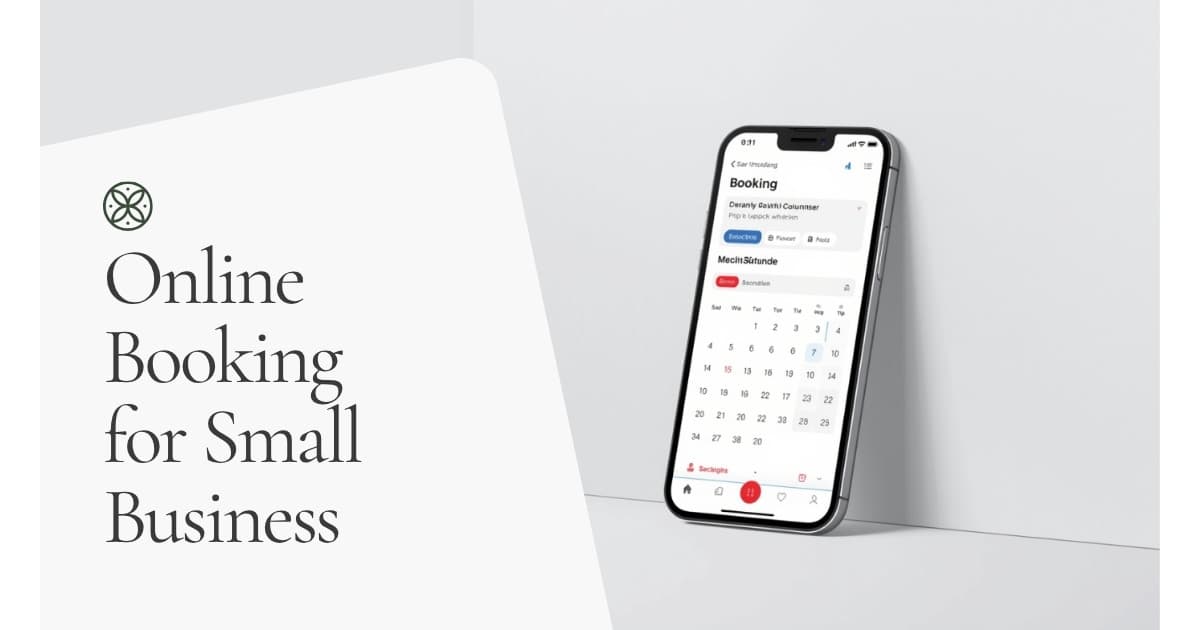
If clients still call or email to book an appointment, you're leaving money on the table. People don't want to wait for a reply — they want to book at 10pm on a Tuesday when the idea is fresh. If your website doesn't let them do that, they'll find someone who does.
The good news: adding online booking is easier than most business owners think. Here's exactly how to do it.
50%
Automated appointment reminders reduce no-shows by up to 50% — one of the highest-ROI features any booking system can offer a service business.
Do You Actually Need a Full Booking Website?
First, let's be clear about what "online booking" means in practice. There are two levels:
A booking widget on an existing website — You add a plugin or embedded calendar to your current site. Visitors can book directly from your homepage or a "Book Now" page. Good for simple, one-type-of-appointment businesses.
A purpose-built booking site — A dedicated site built specifically around booking: service menus, team member selection, pricing, intake forms, and a proper booking flow. Better for businesses with multiple services, multiple staff, or clients who need to see credentials and reviews before committing.
If you're running a hair salon, tattoo studio, physio clinic, or any service business where clients compare options before booking — a proper booking site will convert significantly better than a widget bolted onto an existing site.
Insight
Option 1: Add a Booking Plugin to WordPress
If you already have a WordPress site, the fastest path is a booking plugin. The main options:
Amelia
The most polished option. Amelia handles multiple services, multiple employees, time zones, SMS reminders, and payment collection. It looks professional out of the box and requires minimal setup.
Best for: Service businesses with multiple staff or services — salons, clinics, fitness studios.
Cost: From $79/year. A one-time licence is available.
What it does well: The booking flow feels like a proper app, not a form. Clients can select a service, pick a team member, and choose a time slot — all on one page.
Simply Schedule Appointments
Cleaner and more focused than Amelia. Better for solo operators or businesses that only need basic appointment booking.
Best for: Consultants, coaches, therapists — anyone offering a single type of session.
Cost: Free tier available. Pro from $99/year.
WooCommerce Bookings
If you already run WooCommerce and want booking integrated into the same checkout system, this works. But it's overkill for pure service businesses — you're paying for ecommerce features you don't need.
Best for: Businesses that sell both physical products and bookable services.
Cost: $249/year (Woo extension).
Option 2: Use a Standalone Booking Tool
For many businesses, a standalone booking tool is faster to set up and easier to manage than a plugin. You add a "Book Now" button to your site that links out (or opens an embed) to the booking tool.
Calendly — the simplest option. Great for consultations and meetings. Not ideal for multi-service or team businesses.
Acuity Scheduling — more powerful than Calendly. Handles intake forms, payment, packages, and multiple services. Popular with coaches, therapists, and personal trainers.
Square Appointments — free for solo operators and includes payment processing. Tightly integrated if you already use Square for in-person payments.
The downside of standalone tools: you're driving visitors off your website to a third-party platform. That's one extra step, and every step reduces conversions. For a high-volume booking business, a purpose-built site keeps everything on-brand and on your domain.
Option 3: Build a Purpose-Built Booking Site
For businesses where booking is the main product — not an afterthought — a dedicated booking website performs better than any plugin or tool. This means:
- A homepage built to convert visitors into bookings (not just inform them)
- A services page with pricing, duration, and what to expect
- Individual team member pages (important for beauty, wellness, and health businesses)
- A streamlined booking flow that feels native to your brand
- Confirmation emails, reminders, and intake forms baked in
We build booking sites on WordPress using Amelia — which gives you full ownership of your data, no monthly platform fee beyond hosting, and a booking experience that looks like a proper business, not a freelancer with a form.
See our booking site service and pricing →
What Does It Cost to Set Up Online Booking?
| Option | Setup Cost | Ongoing Cost |
|---|---|---|
| DIY plugin (Amelia or SSA) | Your time | $79–$249/year |
| Standalone tool (Acuity) | Your time | $20–$61/month |
| Done-for-you booking site | $497–$997 | Hosting only (~$30/month) |
The DIY route is cheaper upfront but costs you time and often produces a worse result. A purpose-built site costs more initially but pays for itself quickly if it converts even a handful of extra bookings per month.
The Features You Actually Need
Whatever option you choose, make sure your booking system handles:
Time zone detection — Essential if you take bookings from outside your region. Nothing kills trust like a client showing up an hour early.
Automated reminders — Reduces no-shows by up to 50%. An SMS the day before and an email the morning of is the standard setup.
Payment collection at booking — Optional, but taking a deposit upfront dramatically reduces no-shows. Most premium plugins support Stripe and PayPal.
Always require a deposit
Buffer time — Set a 15-minute gap between appointments so you're not back-to-back all day. Most booking systems let you configure this per service.
Custom intake forms — Collect the information you need before the appointment so the session itself is productive. Particularly important for health, wellness, and legal businesses.
The Mistake Most Business Owners Make
Adding booking as an afterthought.
A buried booking button is not a booking system
A "Book Now" button buried in your footer or linked from a wall of text is not a booking system — it's a form nobody fills in. Effective booking sites put the booking flow front and centre. That means a prominent button above the fold, clear service descriptions with pricing and duration, and as few steps as possible between "I want to book" and "booking confirmed."
If you're using a plugin, test the booking flow yourself on mobile. Most people will book on their phone. If it takes more than 3 steps or requires account creation, you're losing bookings.
When to Get It Built for You
DIY makes sense if:
- You have an existing WordPress site
- You're comfortable installing and configuring plugins
- You offer one or two simple services
Hiring someone makes sense if:
- You're starting from scratch
- You want the site to look polished and professional
- You offer multiple services or have multiple staff
- You're too busy running your business to learn website management
We build done-for-you booking sites at a fixed price, with no calls required. See pricing and what's included →
Key takeaway
The bottom line: online booking is table stakes for service businesses in 2026. Whether you DIY with a plugin or get a proper booking site built, the cost of not having it — missed appointments, lost leads, looking less professional than competitors — adds up faster than any setup cost.